2. In the "Domains" section, click on "Subdomains" Icon.

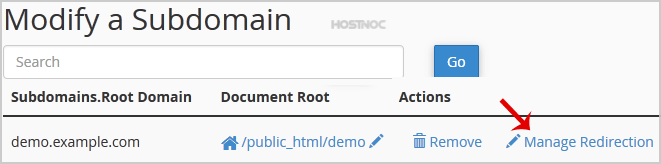
3. Under the "Modify a Subdomain" list you can see a list of subdomains.
4. Click the "Manage Redirection" link that corresponds to the subdomain that you wish to manage.
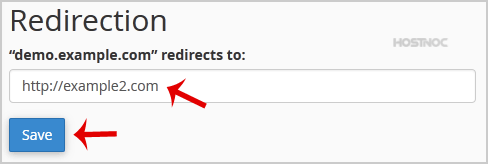
5. Under the "Subdomain Redirection" option you should enter the link to which you want to redirect the subdomain in the available text box.