



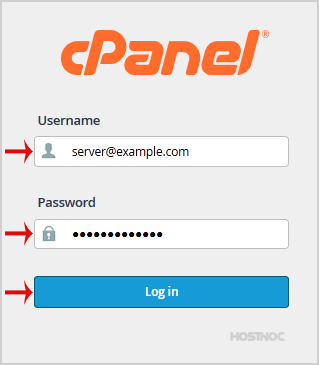
1. Open http://example.com/webmail, replace "example.com" with your domain name and enter your full email address and password in user login details and then press the "Login" Button.
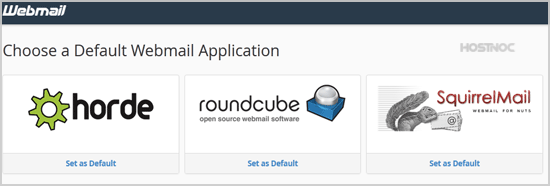
2. You will be redirected to a cPanel Webmail Page. Click on any Webmail Email Reader like "Horde", "Roundcube" or "SquirrelMail".
Once your Webmail Email Reader opens, you will be able to read your email and check your email inbox and junk email.