
Dev License: This installation of WHMCS is running under a Development License and is not authorized to be used for production use. Please report any cases of abuse to abuse@whmcs.com

How to Edit Account Level/Global Email Filter in cPanel? Print

  • 5

1. Log into your cPanel account.

2. In the "Email" section, click on "Global Email Filters" Icon.

 

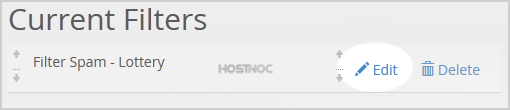
3. Under "Current Filters" You can see all of your existing filters, Click on "Edit" next to the appropriate one.

4. Make the desired changes to the filter.

5. Click on the "Save" Button.

Was this answer helpful?

« Back

Powered by WHMCompleteSolution